
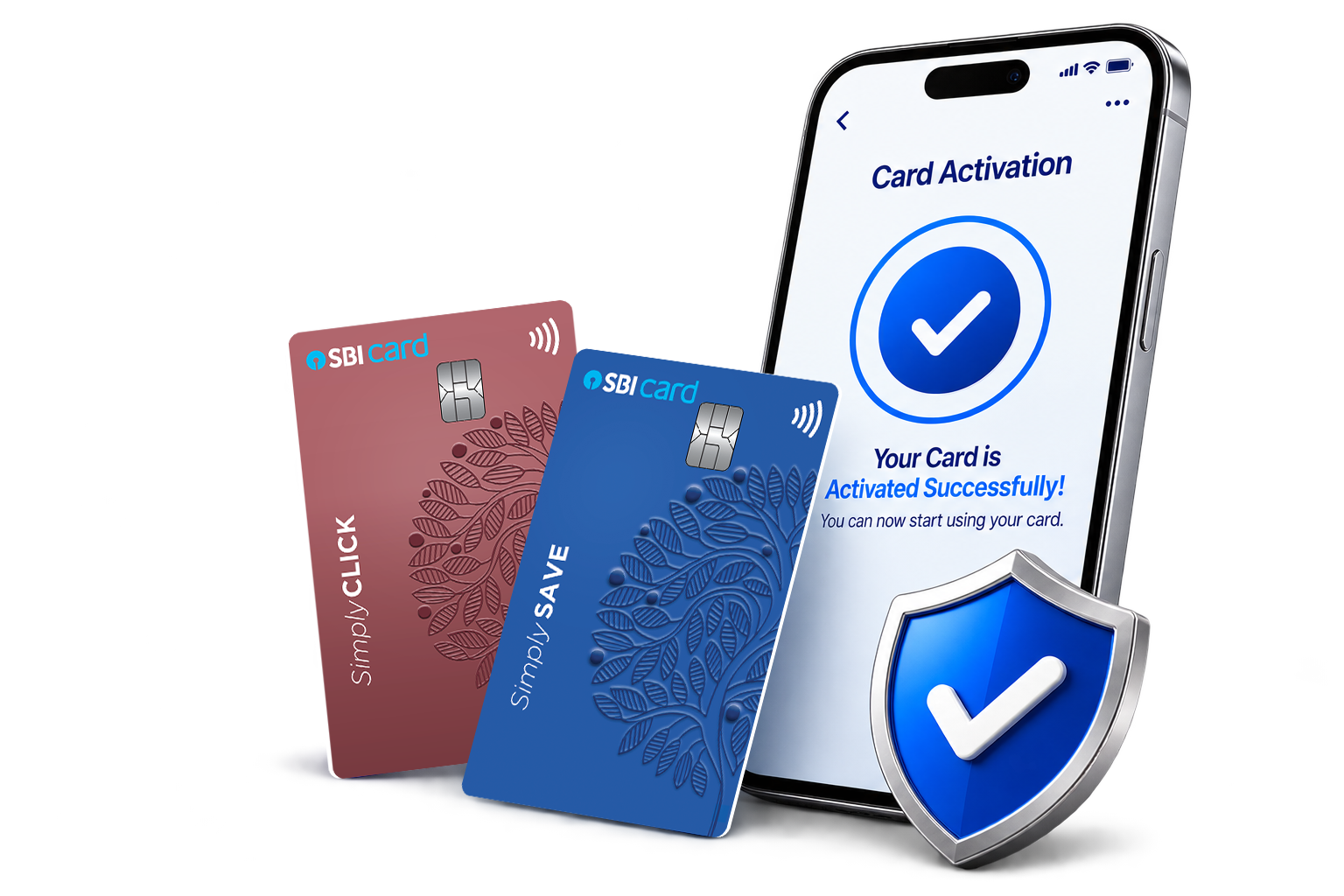
As per the regulatory guidelines, all new credit cards must be activated within 37 days of the issuance date.
If you do not activate your new card within this period, your card account will be permanently closed and you will need to apply for a new card. Activation confirms that you intend to use the card.
Here are some of the ways in which you can activate your card:

Scan code or visit https://sbicard.com/activate, enter your Card Number & Date of Birth, and submit the OTP sent to your Registered Mobile Number.
If your card has been delivered by speed post, it may be blocked for usage. You can unblock and activate it using this QR code or the above-mentioned link.,
Click here or WhatsApp 'Activate My Card' to 9004022022 from your Registered Mobile Number and submit the OTP sent to your Registered Mobile Number.
Generate your 4-digit PIN instantly in any of the following ways:
- Visit https://app.sbicard.com/SBICRD/PIN or log in to your SBI Card Mobile App and select 'Change Card PIN' option
- Through SBI Card website (https://www.sbicard.com/changepin)
- Call SBI Card Helpline Number 1860 180 1290 and select Option 6 from IVR menu
If you have a RuPay SBI Credit Card, you can also activate your card by linking it to any UPI TPAP (Third-Party Application Provider) like GPay, PhonePe, Paytm, etc. and generating a UPI PIN.

As a default, your new card is enabled for Domestic POS & Domestic ATM usages only. To enable Online, Contactless or International usages, scan the QR code or visit https://sbicard.com/manage-card-usage and follow the on-screen instructions.
Make at least one transaction within the first 37 days of issuance to activate your card.
You can create an account on SBI Card Website or Mobile App:
- Visit https://sbicard.com/register or download & open SBI Card Mobile App
- Enter your 16-Digit Card Number, CVV and Date of Birth
- Enter the OTP sent to your Registered Mobile Number and set a password of your choice
Alternatively, visit https://sbicard.com/login and follow the steps below:
- Log in using your Registered Mobile Number or card details
- Enter the required credentials
- Authenticate with OTP
View the details of your virtual card through the link sent on your Registered Mobile Number or on SBI Card Mobile App.
Please note: Viewing virtual card details at the time of online card application (for successfully processed cases) will also be considered as card activation.
Call SBI Card Helpline 1860 180 1290 or 39 02 02 02 (prefix local STD code). In case your card is not active, you will be prompted to activate your card via IVR. Follow the necessary steps and enter OTP for activation.